
Does ChatGPT Recommend Your Business? A 10-Second Check
Does ChatGPT recommend your business? Run this 10-second check to see if you're named, then fix the three basics that help you show up in ChatGPT answers.
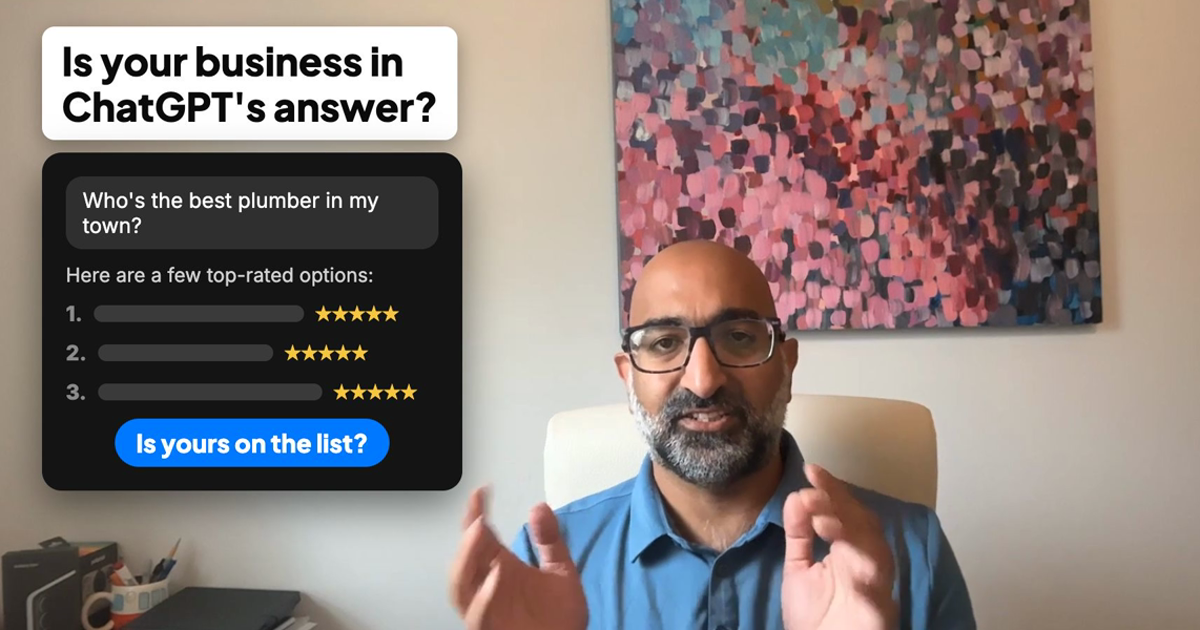
A homeowner's water heater starts leaking on a Sunday night. A few years ago, they would have searched Google and scrolled through ten blue links. Today, more of them open ChatGPT and type, "Who's a good plumber near me?"
ChatGPT doesn't hand back ten links. It gives a short list of names, usually three to five, with a line or two about each one. If your business is on that list, you're in the conversation. If it isn't, that customer calls someone else, and you never hear about the job you lost.
The short answer: to check if ChatGPT recommends your business, open a temporary chat or a logged-out private window, type "Who are the best [your trade] in [your town]?" and see if you're named. If you're missing, fix three basics first: your Google Business Profile, your reviews and your website.
Here's how to run the check properly, and what to do with what you find.
Why this matters now
Search isn't going away. Google is still where most local searches happen. But a growing share of customers are skipping the search page and asking an AI tool directly, especially for "who should I hire" questions.
The difference is the shape of the answer. A Google results page gives a customer many options to scroll through. An AI answer gives them a shortlist, and most people pick from the shortlist. Being "somewhere on page one" doesn't carry over. You're either named or you aren't.
How to check if ChatGPT recommends your business
Most owners who test this make one mistake: they ask ChatGPT while logged into their own account, where it may remember past conversations about their business. That's like checking your own website from your office computer and assuming customers see the same thing.
Here's how to make it a fair test:
- Open a temporary chat. In ChatGPT, start a temporary chat so the search won't show up in your history and doesn't use your memory or past chats.
- For a stranger's view, log out. Open a private browser window, go to ChatGPT without signing in, and ask there too. This is the closest you'll get to what a new customer sees.
- Ask like a customer, not like an owner. Type the question a real customer would type: "Who are the best [your trade] in [your town]?" Don't type your business name. Customers don't know it yet.
- Read the answer carefully. Are you on the list? Is your information right: your name, your services, your area? Is anything out of date?
- Ask two or three different ways. Customers word things differently. Try "emergency plumber in Naperville," "best-rated plumber near me," or "who fixes water heaters in [town]?"
Write down what you find. That short list is your starting point.
When we ran this check on our own business in November 2026, logged out in a private window, the search "best AI consultant in Naperville" named Explained Consulting first. Answers can change from day to day, so run the check every month or two, not once. It's also an easy job to hand to an AI assistant: a scheduled check that runs every month and tells you what changed.
The check, start to finish:
Rather not test it alone? Book a free 15-minute AI check and we'll run it with you, live.
New: claim your business in ChatGPT
As of November 2026, OpenAI lets US businesses claim their listing in ChatGPT for free. Open Business Hub from the ChatGPT sidebar, search for your business, verify it, and update your description, category, website, and logo. Claiming does not guarantee you get recommended, but it fixes wrong details at the source. Here is what launched and what to do about it.
Not on the list? Fix these three things first
AI tools build their answers from what's written about your business online. If that information is thin, old, or confusing, they skip you and name someone else. These are the three places to look first.
1. Your Google Business Profile
For Google, and for the AI tools that read the web, this is the most important listing for a local business. Open it and check:
- Is your primary category right? "Plumber" is better than a vague "Contractor."
- Are your hours, phone number and service area complete and current?
- Do you list your services by name, like "water heater repair" or "drain cleaning"?
- Do you have recent photos of your work, your team and your vehicles?
A half-finished profile is one of the most common reasons a good business doesn't show up.
2. Your reviews
Reviews tell AI tools, and customers, what you're actually good at. Look at:
- How recent they are. Recent reviews count for more than old ones, with customers and, as far as anyone can tell, with AI tools.
- What they mention. Reviews that name the job ("fixed our sump pump the same day") help customers, and the AI tools reading them, see what you're known for.
- Whether you reply. A short, friendly reply shows you're active and you care.
The easiest way to get more reviews is to ask at the moment the customer is happiest: right after the job is done. A text with a direct link to your review page works well, and an AI marketing manager can send it automatically after every job.
3. Your website
Your website should say, in plain words, what you do and where you do it. Read your homepage as if you were a stranger:
- Does the first screen say what you do and which towns you serve?
- Is there a page for each main service?
- Is your contact information easy to find?
- Was anything updated in the last year?
You don't need a new website. In most cases, a clearer homepage and a few service pages make the difference.
Why good businesses get missed
Most businesses that don't show up do good work. They just aren't visible online.
They have happy customers, but the website hasn't been touched in years, the Google profile is half filled in, and the newest review is from 2023. Word of mouth built the business. The problem is that AI can't hear word of mouth. It only sees what's written down about you.
That's also why there's no trick to this. Nobody controls what ChatGPT says, and anyone who promises you the top spot is guessing. What you can do is improve the odds, by making sure the information about your business is complete, current and clear.
Is ChatGPT replacing Google for local search?
Not overnight, and you don't have to choose. The work overlaps almost completely. A complete Google Business Profile, recent reviews and a clear website help you show up on Google and in AI answers at the same time.
The same cleanup pays off in both places.
A simple plan for this week
If you only have an hour, do this:
- Run the 10-second check, logged out, three different ways. Write down what comes back.
- Open your Google Business Profile and fix anything missing: category, hours, services, service area.
- Ask your three most recent happy customers for a review.
- Read your homepage and make sure the first lines say what you do and where.
Then run the check again in a month or two and see what changed.
Not sure what to fix first?
Book a free 15-minute AI check. We'll run the check on your business together, the way a customer would. Then we'll point out the two or three things we'd fix first, and find one task in your week that AI could take off your plate. No pitch. You leave with a short list you can act on, whether or not we ever work together. All we need is your trade and your town. Curious what that one task could be? Meet our AI team.
Free Guide · 15 pages
The Service Business Owner's Guide to AI Phone Answering
Stop losing calls to voicemail. Get the scripts and setup checklist used by plumbing, HVAC, and dental shops.
Is your business in ChatGPT's answer?
We'll run the 10-second check with you, live, and show you the first 2 or 3 fixes. Free, 15 minutes, no pitch.
Book your free 15-minute checkWant More AI Implementation Insights?
Browse our complete collection of practical AI guides, case studies, and implementation frameworks.
View All Articles